Supatool

Printable Forms Builder

Create professional, print-ready forms and documents in minutes. Design custom PDFs with perfect A4/Letter sizing and branding.

Registration Form
First Name
Last Name
Address
Notes / Comments
Signature
⬇ Download PDF
Size: A4
Trusted by popular companies you know

How to Create Printable Forms

Design perfect documents in 5 easy steps.

1

Choose Template

Start with a pre-made layout.

2

Customize

Edit fields, labels, and logos.

3

Format

Set A4/Letter size & margins.

4

Preview

Check layout and page breaks.

5

Export

Download high-quality PDF.

Printable Forms Builder Features Overview

Tools designed for pixel-perfect paper documents.

Precision Layout Control

Design with confidence knowing your output will match your screen. Set exact page sizes (A4, Letter, Legal), define custom margins, and use grid guides to align fields perfectly.

  • A4 & Letter Support
  • Page Breaks Control
  • Alignment Grid & Guides
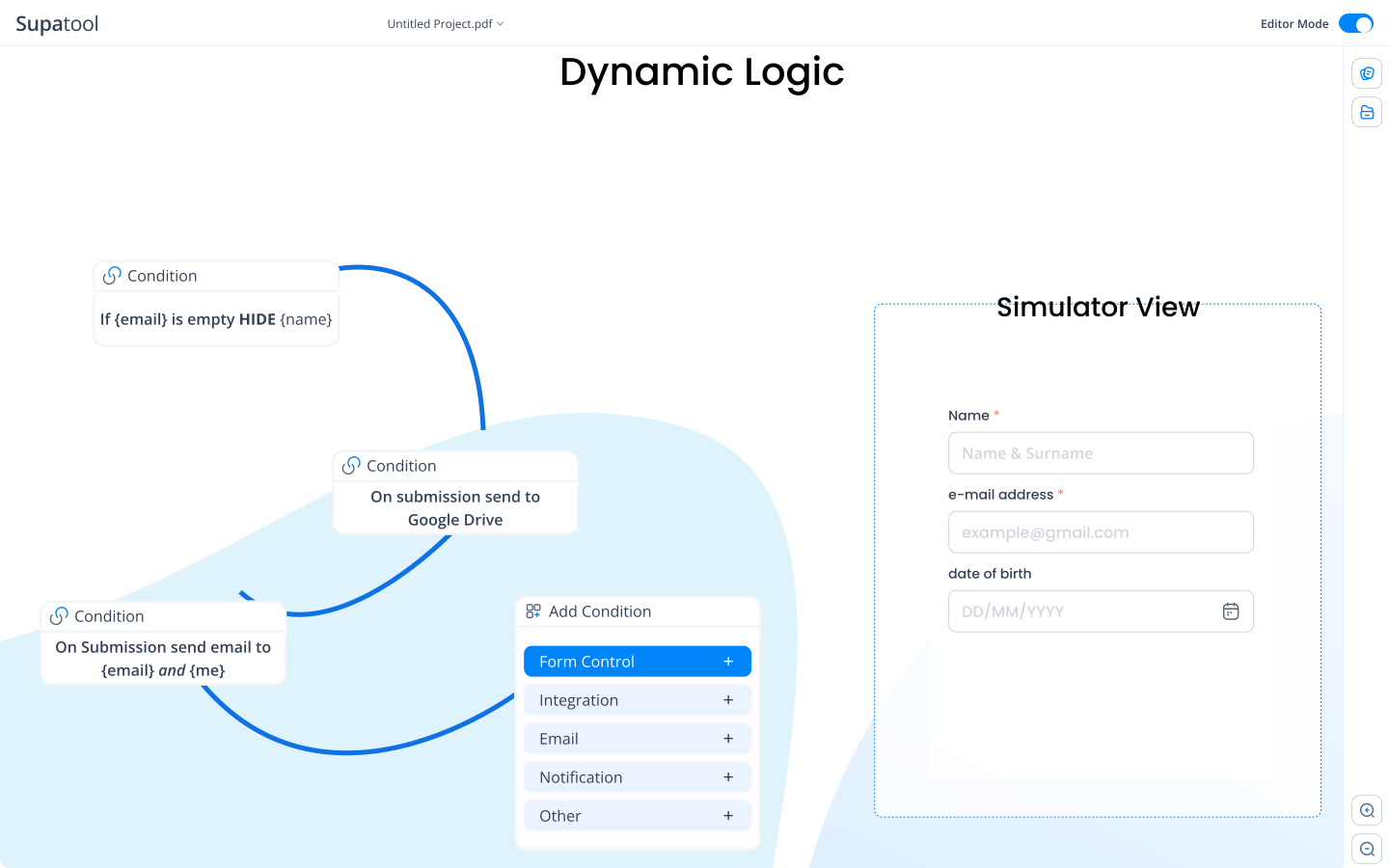
Layout Control

Branding & Headers

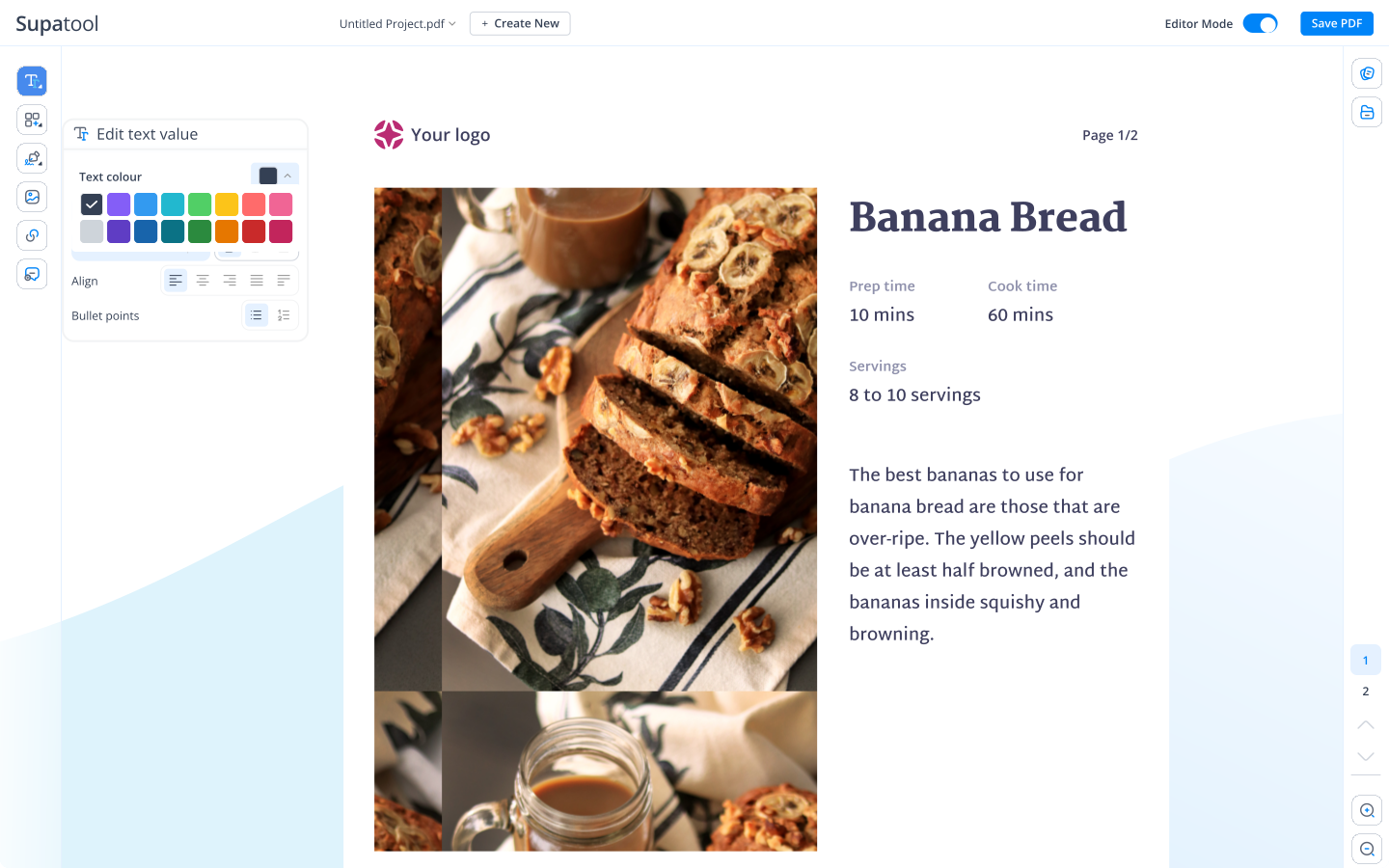
Make every page look professional. Add repeating headers and footers with your logo, company details, and page numbering. Ensure consistent branding across multi-page documents.

  • Logos & Branding
  • Auto-Numbering
  • Consistent Headers
Branding and Headers

Specialized Print Fields

Use fields designed for pen and paper. Insert clear signature boxes, checklist grids, stamp areas, and QR codes that link directly to digital resources.

  • Signature & Stamps
  • Checklists & Grids
  • QR Code Generation
QR
Stamp Here

High-Quality Export

Get crisp, clear documents every time. Export your forms as high-resolution PDFs that preserve your layout, fonts, and image quality perfectly for any printer.

  • Vector PDF Export
  • Accessibility Fonts
  • Auto-expanding Tables
PDF Export

Printable Form Templates

Professional layouts ready for download.

📝

Registration Form

Classic sign-up sheet for events or membership.

Consent Form

Legal waivers and permission slips with signature blocks.

🛒

Order Form

Product catalog layout with quantity and total fields.

📄

Invoice

Clean, professional billing template with branding.

💼

Job Application

Standard employment form for walk-in candidates.

📋

Checklist

Daily logs, inspection sheets, or to-do lists.

Archive & Share Automatically

Save your generated PDFs directly to the cloud.

Google Drive Dropbox OneDrive Box Email

Simple Pricing

Design unlimited forms for free.

Starter

$ 15 /month/user

Billed monthly

Ideal for freelancers, startups, and smaller teams

We only bill you for employees. Invite guests/clients for free.

  • Pay-per-user pricing
  • Unlimited projects
  • 500 GB storage space
  • 24/7/365 customer support
  • Purchase optional upgrades
  • Month-to-month billing
Popular

Business

$ 299 /month

Billed monthly

Top-of-the-line, all-inclusive fixed pricing. Best fit for fast growing businesses

Your whole organization for one fixed price. Every feature & upgrade.

  • Fixed price no per-user charges
  • Unlimited users
  • Unlimited projects
  • 5 terabytes storage space
  • Priority 24/7/365 customer support
  • Extended 60-day free trial

Enterprise

Custom

Billed monthly

Suitable for Enterprise solutions

Custom pricing for your organization's needs.

  • All Business Features
  • Unlimited custom domains
  • Unlimited storage
  • 99.99% Uptime SLA
  • SCIM Integration
  • Dedicated Account Manager

FAQ

Frequently asked questions

What is a printable forms builder and how is it different from an online form?

A printable forms builder is specialized software designed to create forms intended for physical printing. Unlike online forms which are optimized for screens and dynamic resizing, a printable builder focuses on fixed layouts, page sizes (like A4 or Letter), margins, and high-resolution output. It ensures that when you hit 'print', the fields, text, and logos appear exactly where you placed them on the paper.

How do I set page size (A4/Letter), margins, and page breaks?

In the Supatool editor, you can select your document format from the page settings menu—choose between standard A4 or US Letter sizes. You can drag guides to set custom margins to ensure your content doesn't get cut off by printers. For multi-page documents, simply insert a 'Page Break' element where you want the content to split to the next sheet.

Will the PDF keep my fonts, tables, and images at high quality?

Yes. Supatool exports your designs as vector-based PDFs. This means your text and lines remain crisp at any print size. Images are embedded at high resolution (300 DPI) to ensure your logos and photos look professional and sharp, not pixelated, when printed on paper.

Can I add signatures, checkboxes, and numbering to printable forms?

Absolutely. You can drag and drop specialized fields like signature boxes, checkbox grids, and automatic numbering fields (perfect for invoices or tickets). These elements are styled specifically for print, with clear borders and spacing that make them easy to fill out by hand.

How do I create multi-page forms and keep headers/footers consistent?

You can enable 'Repeat Header/Footer' in the page settings. This allows you to design your branding, document title, and page numbers once, and have them automatically appear in the same position on every page of your form. This ensures a consistent, professional look throughout multi-page documents.

Can I add a QR code that links to an online version of the form?

Yes! This is a great way to bridge the gap between physical and digital. You can generate a QR code within the builder that links directly to the online version of your form. When printed, users can scan the paper form with their phone to fill it out digitally if they prefer.

How do I export, share, and print without losing layout?

Once your design is complete, click the 'Export' button and select 'PDF'. This generates a print-ready file that locks in your formatting, fonts, and layout. You can then email this PDF to colleagues or send it directly to any printer, confident that the output will match exactly what you see on your screen.

Can I store PDFs in Drive/Dropbox or send via email automatically?

Yes, via integrations. While the primary goal is often physical printing, you can set up workflows where the generated PDF template is automatically saved to your cloud storage (Google Drive, Dropbox) or emailed to specific recipients whenever you create or update a version.

How can teams collaborate and control versions before printing?

Supatool supports team collaboration. You can invite colleagues to edit or review the form design. We also offer version history, so you can track changes, see who edited what, and revert to a previous version if a mistake was made before the final print run.

Is there a free plan and what are the limits?

Yes, Supatool offers a free plan that lets you design and download printable forms. The free plan typically includes a generous limit on the number of forms you can create and export per month. It's perfect for small businesses or individuals needing occasional professional documents.

Create Professional Printable Forms

Ready to print?