Poll Builder
Create engaging, secure online polls in seconds. Use our online poll maker to gather feedback, run elections, or engage your audience with real-time results.
Live Results Active
Create engaging, secure online polls in seconds. Use our online poll maker to gather feedback, run elections, or engage your audience with real-time results.
No coding required. Just ask, share, and learn.
Type your question and add answer choices. Spice it up with images or video.
Choose a theme, set privacy rules (one vote per person), and schedule start/end dates.
Copy the link, share on social media, or embed the poll directly on your website.
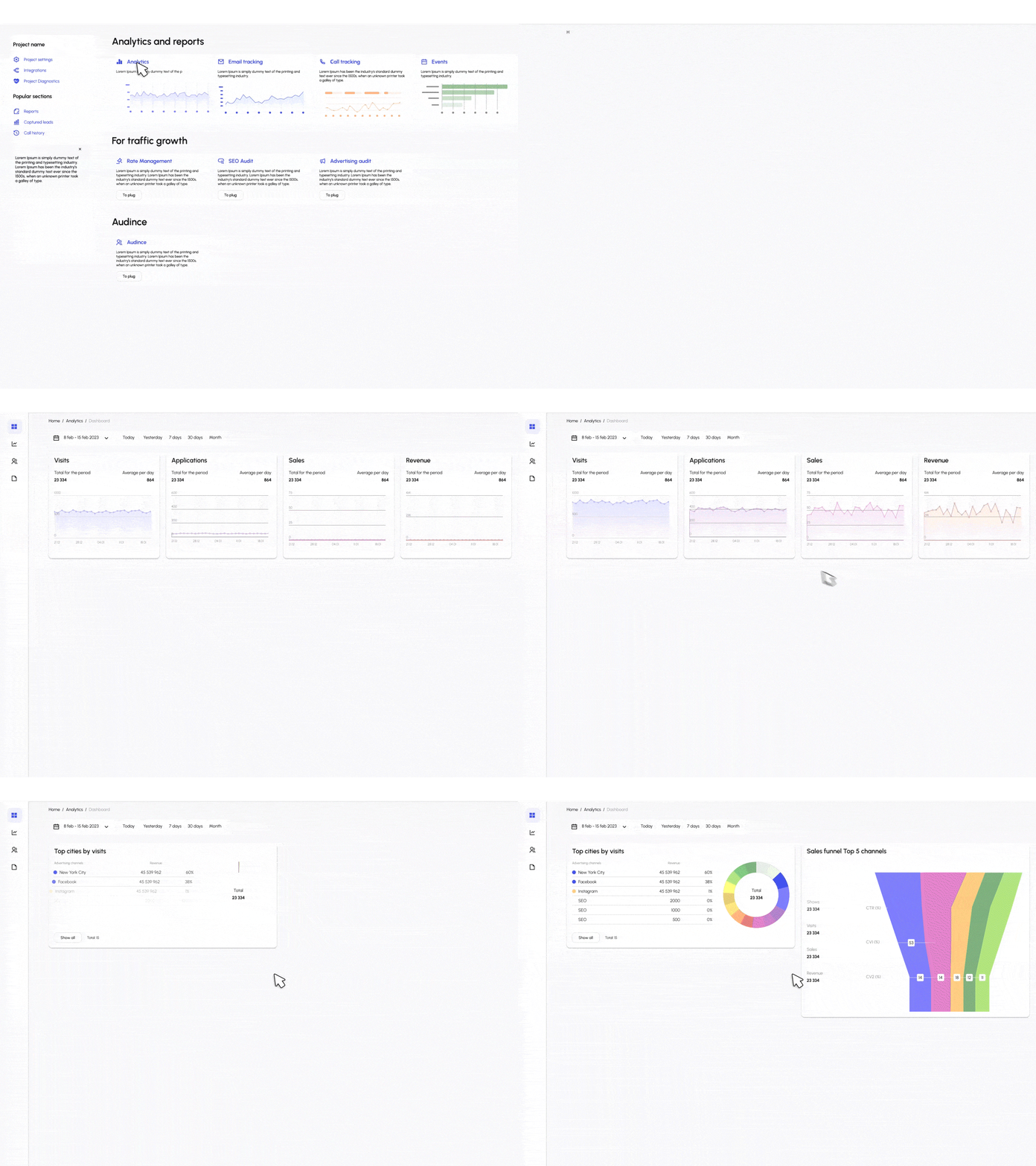
Watch votes roll in real-time. View simple charts or export data for deeper analysis.
Everything you need to run secure, high-engagement polls.
Ensure your data is reliable. Use IP restriction, browser cookies, or one-vote-per-person settings to prevent spam and duplicate voting.
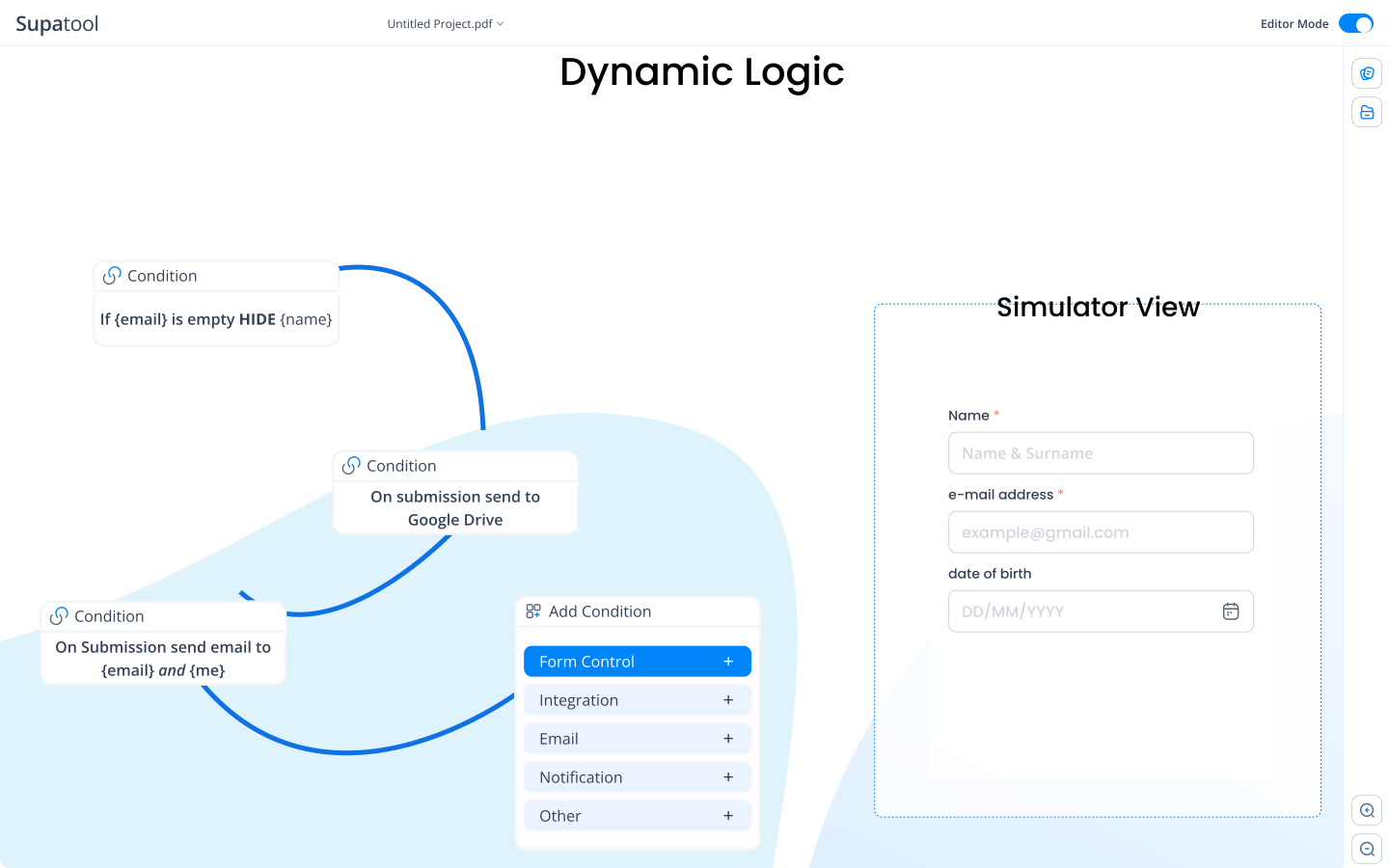
Make your poll look like it belongs to your brand. Upload your logo, choose custom colors, and select from beautiful pre-made themes.

Reach your audience where they are. Embed polls on your blog or website, share via email/social media, or use a QR code for live events.
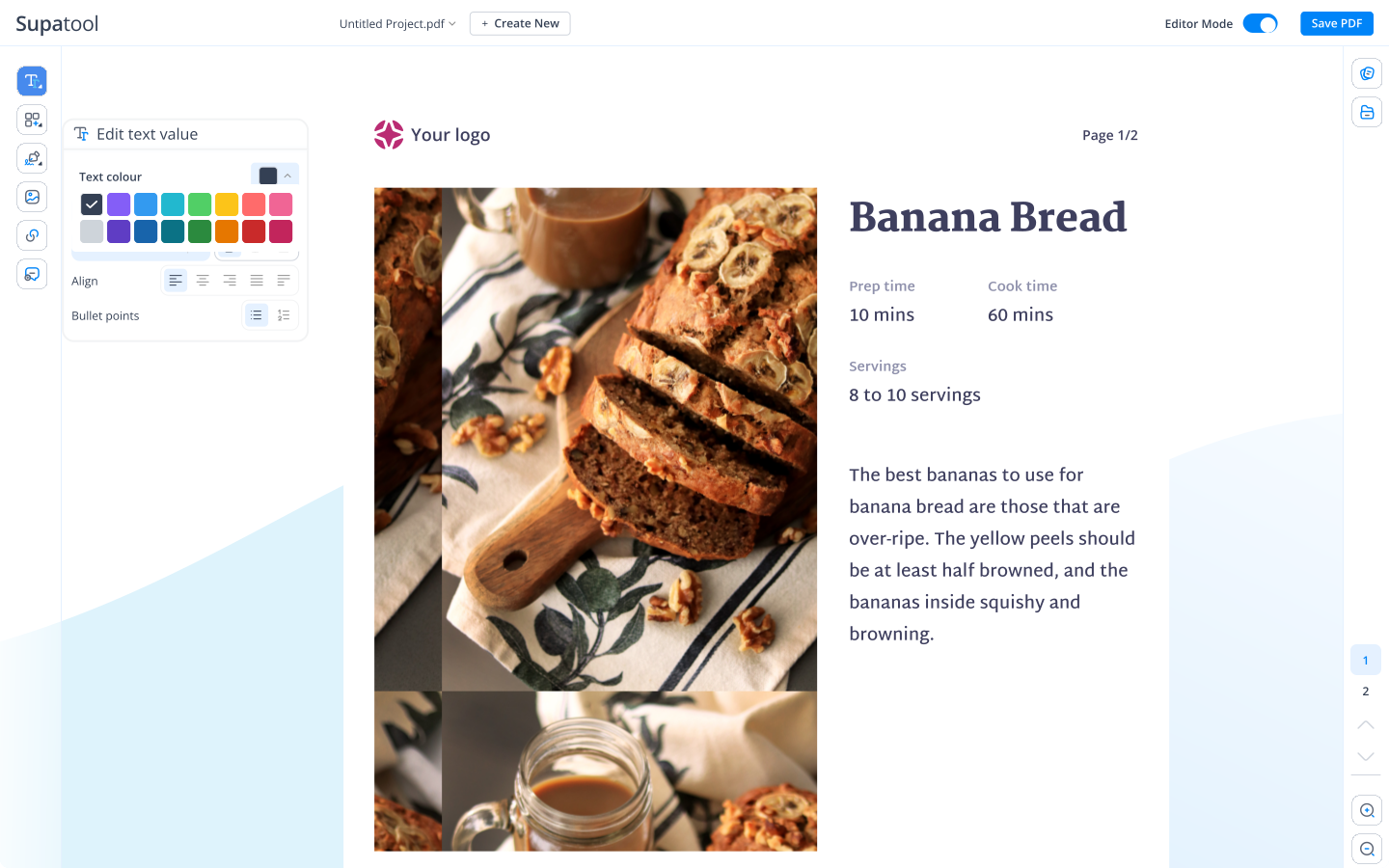
See the votes as they happen. Visualize data with bar charts, pie graphs, and maps. Choose to show results to voters after they vote or keep them private.
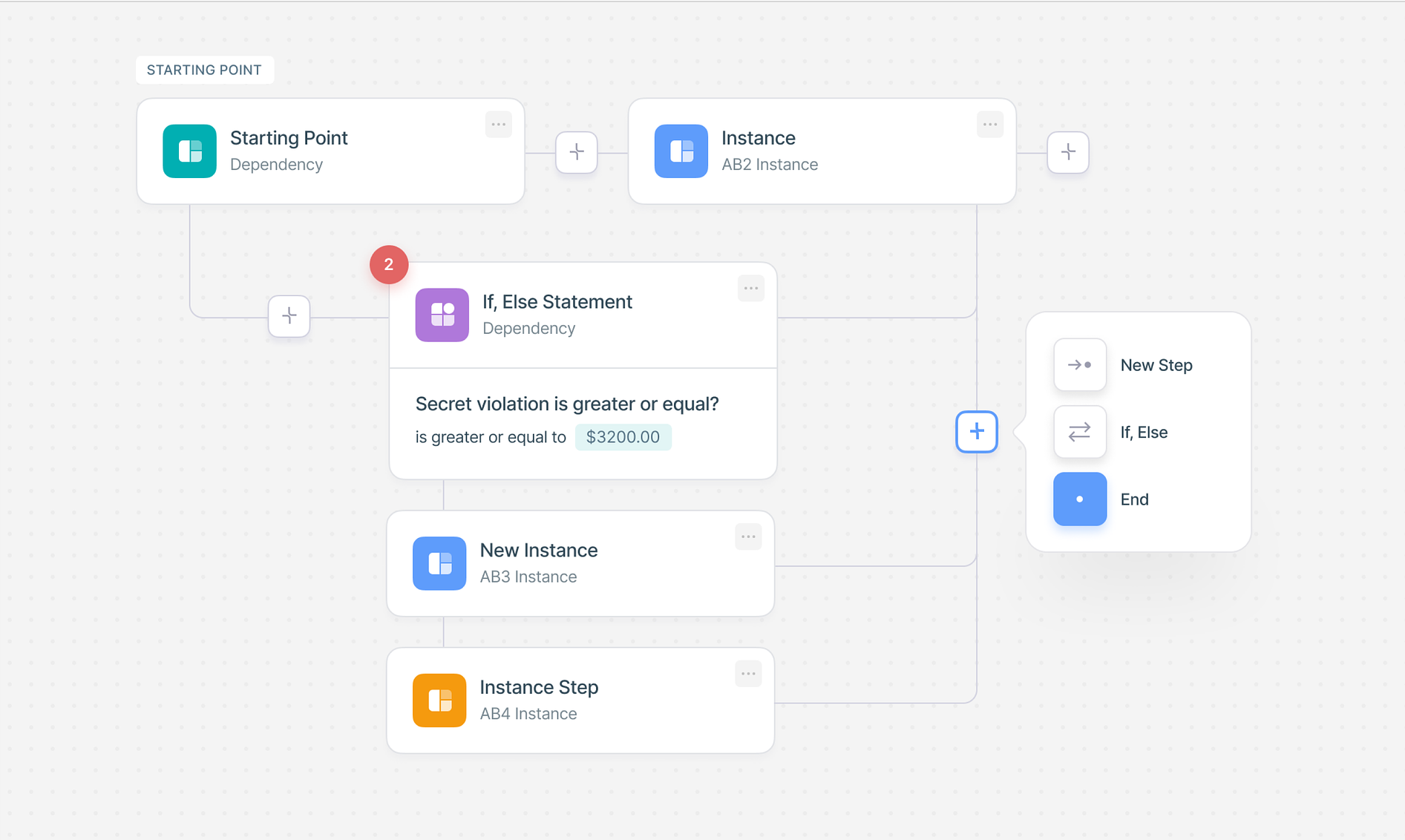
Start with a popular format.
Export data and share results where your team works.
Free for basic use, powerful upgrades for pros.
$ 15 /month/user
Billed monthly
Ideal for freelancers, startups, and smaller teams
We only bill you for employees. Invite guests/clients for free.
$ 299 /month
Billed monthly
Top-of-the-line, all-inclusive fixed pricing. Best fit for fast growing businesses
Your whole organization for one fixed price. Every feature & upgrade.
Custom
Billed monthly
Suitable for Enterprise solutions
Custom pricing for your organization's needs.
Frequently asked questions
Managing your poll is easy with Supatool's dashboard. Once you create a poll, you can access the management area to pause/resume voting, edit questions (if no votes yet), moderate comments, view real-time analytics, and export your data. You can also close the poll manually or schedule an automatic end date.
Yes, visual polls are highly engaging! Supatool allows you to add images and videos directly to your questions or answer choices. You can upload your own media or embed videos from platforms like YouTube to provide context or make your poll more interactive.
We offer several layers of security to prevent vote manipulation. You can enable 'One Vote Per Person' using IP address tracking, browser cookies, or by requiring users to sign in. We also have built-in bot detection (CAPTCHA) and 'Anti-Cheat' algorithms to flag suspicious activity, ensuring your results are authentic.
Absolutely. When you publish your poll, Supatool provides a simple embed code snippet (HTML/JavaScript). Just copy and paste this code into your website, blog, or landing page, and the poll will appear seamlessly, allowing visitors to vote without leaving your site.
To make a text-based poll, simply choose the 'Multiple Choice' or 'Open Text' question type in our builder. Enter your question and answer options as plain text. This is the most common format for quick opinion gathering and surveys where visuals aren't necessary.
While Supatool creates web-based polls, you can easily share them via iMessage. Create your poll on Supatool, copy the unique share link, and paste it into your iMessage chat. Recipients can tap the link to vote instantly in their browser.
Making a poll means creating a question or set of questions to gather public opinion, feedback, or preferences from a group of people. It's a quick way to measure sentiment, make group decisions, or engage an audience on a specific topic.
To create a poll for your group (whether it's a chat group, email list, or social community), use Supatool to build the poll first. Then, copy the shareable link and post it to your group. Everyone with the link can vote, and you can share the live results page with them afterwards.
You can use Google Forms to create a poll, but for a more dedicated polling experience with instant visual results and better embedding options, Supatool is a great alternative. Simply sign up, create your question, and share the link just like you would a Google Form.
A good poll sentence is clear, concise, and unbiased. For example: 'Which product feature would you like us to build next?' or 'How satisfied are you with our customer service?' Avoid leading questions that might influence the voter's choice.
A poll itself is a tool to collect opinions. The results of a poll represent the collective opinion or preference of the group that voted. While facts are objective, polls measure subjective views, trends, and sentiments at a specific point in time.
Good polls engage your audience or solve a problem. Examples include: 'Event date preference' (scheduling), 'Product feedback' (improvement), 'Fun trivia' (engagement), 'NPS/Satisfaction' (customer health), or 'This vs. That' (preference testing).
Write poll questions that are easy to understand and have distinct answer choices. Keep them short. Ensure options cover all likely possibilities (or include an 'Other' option). Avoid double-barreled questions (asking two things at once) to ensure accurate data.
Fun 'This or That' questions are great for engagement. Examples: 'Coffee or Tea?', 'Summer or Winter?', 'Dogs or Cats?', 'Morning person or Night owl?', 'Work from home or Office?', 'Pizza or Tacos?'. These are quick to answer and often spark fun debates.
Ready to start polling?