Mobile Form Builder
Build forms that work anywhere. Collect data offline, capture photos, and get GPS locations with our mobile-first form builder.
Site Inspection
Alex Johnson
📷 Tap to capture
34.0522° N, 118.2437° W 📍
Build forms that work anywhere. Collect data offline, capture photos, and get GPS locations with our mobile-first form builder.
Turn your paper forms into powerful mobile apps.
Design your form on desktop with drag-and-drop ease.
Send the link to your team. No app store download needed.
Gather data from the field, online or offline.
Tools designed for the field workforce.
No signal? No problem. Continue working without internet access. Forms submit automatically as soon as the device reconnects, ensuring zero data loss in remote locations.
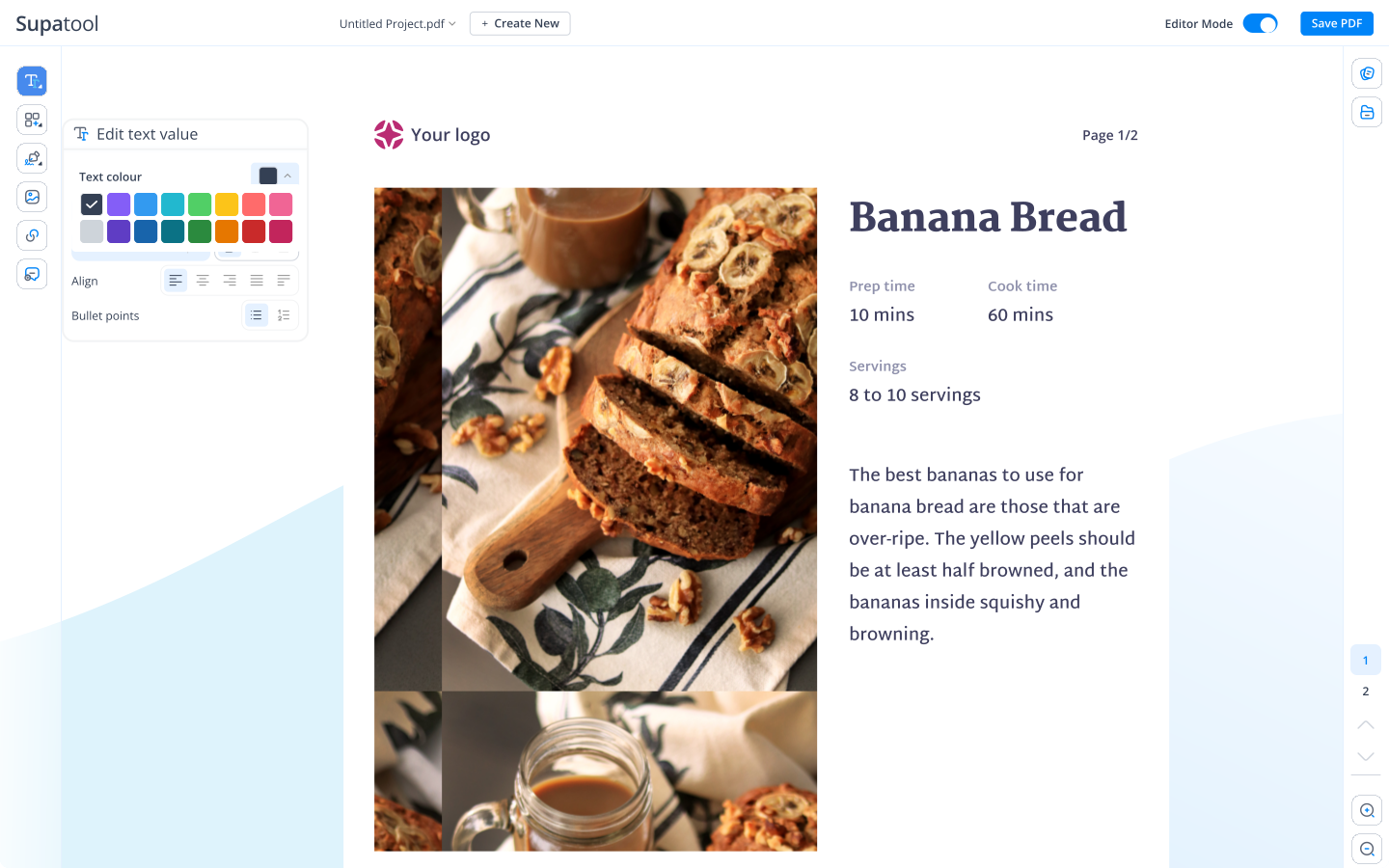
A picture is worth a thousand words. Let users snap photos, record audio notes, and sketch diagrams directly within the form. Perfect for inspections and incident reports.

Verify where work happens. Automatically capture GPS coordinates with form submissions. View all data points on a map dashboard to track field activities in real-time.
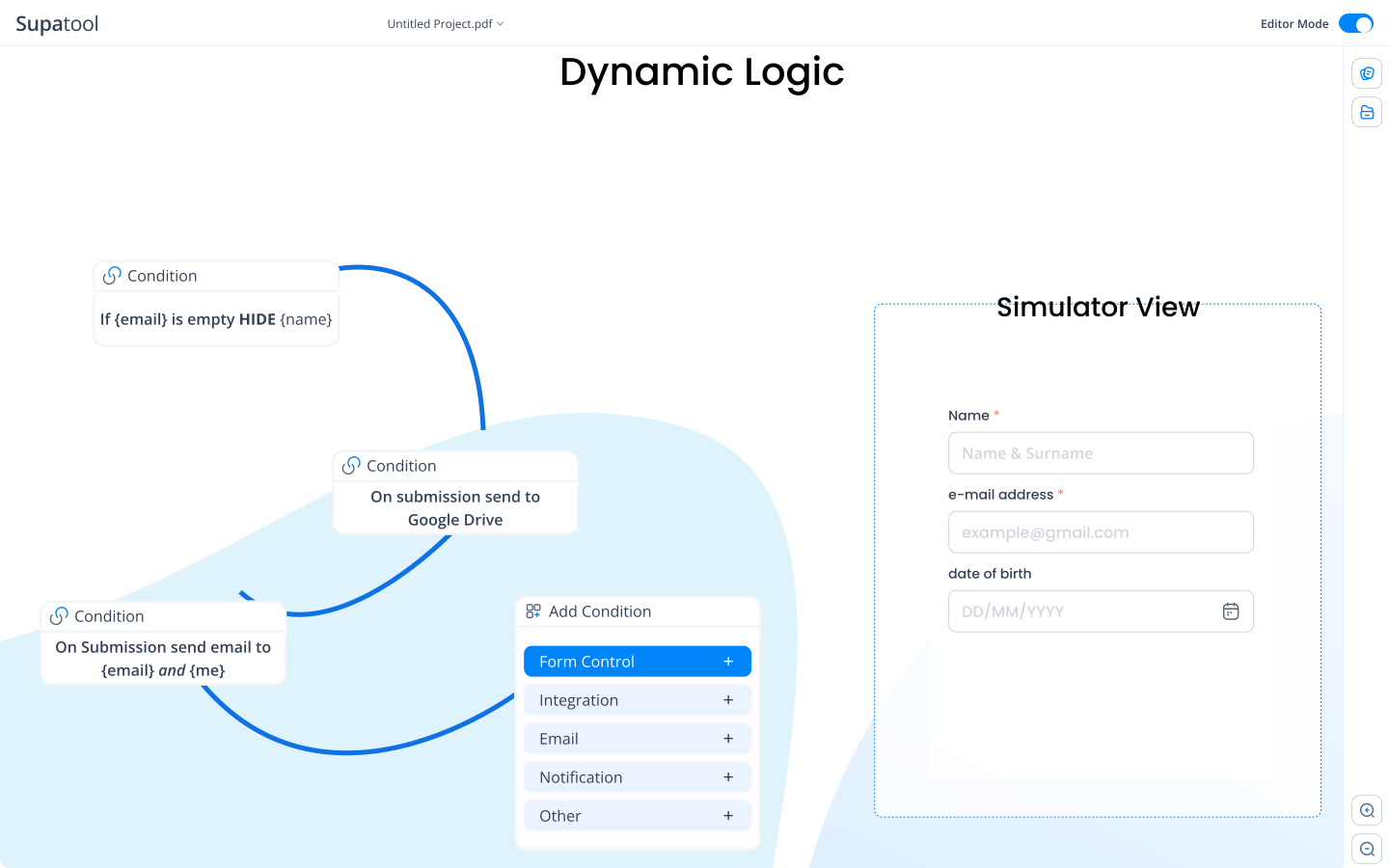
Built for small screens and fat fingers. Large buttons, easy-to-tap inputs, and clean layouts ensure high completion rates and happy users on any smartphone.
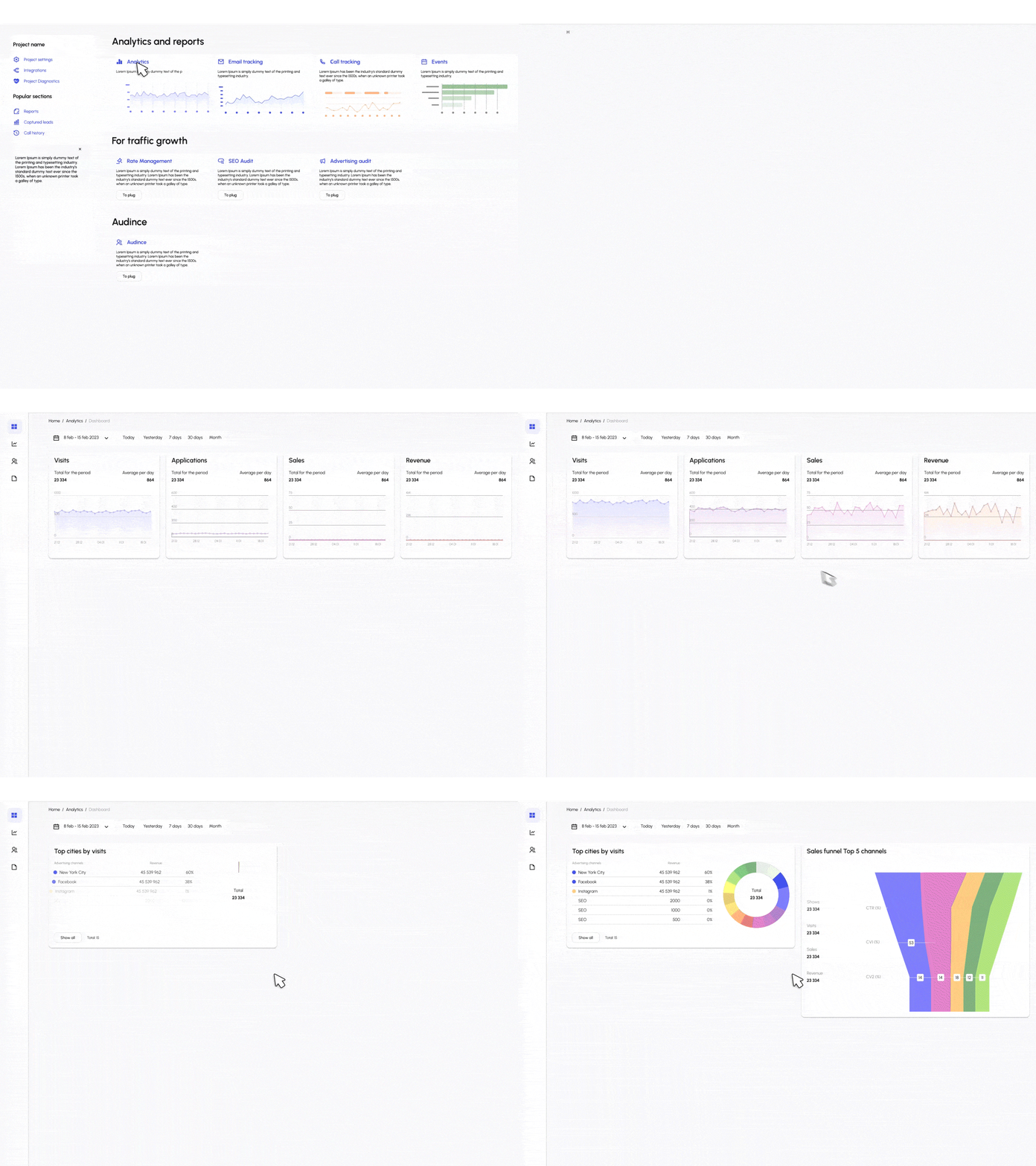
Ready-to-use forms for mobile teams.
Daily site safety checklists and hazard reporting.
Track maintenance tasks, parts used, and time spent.
Proof of delivery with signature and photo capture.
Real estate condition reports with room-by-room photos.
Upload receipts and track mileage on the go.
Quickly document accidents or issues in the field.
Connect your mobile forms to the office.
Start collecting mobile data for free.
$ 15 /month/user
Billed monthly
Ideal for freelancers, startups, and smaller teams
We only bill you for employees. Invite guests/clients for free.
$ 299 /month
Billed monthly
Top-of-the-line, all-inclusive fixed pricing. Best fit for fast growing businesses
Your whole organization for one fixed price. Every feature & upgrade.
Custom
Billed monthly
Suitable for Enterprise solutions
Custom pricing for your organization's needs.
Frequently asked questions
Yes! Our mobile forms are designed to work perfectly without an internet connection. Users can fill out forms, take photos, and save submissions while offline. The data will automatically sync to the cloud as soon as the device reconnects to the internet.
Absolutely. Any form you build with Supatool is automatically optimized for smartphones, tablets, and desktops. We ensure touch-friendly inputs, readable text, and layout adjustments so your forms look great on iOS, Android, and Windows devices.
Yes, you can add a GPS location field to your forms. This is perfect for field service reports, delivery confirmations, or site inspections where you need to verify the exact location where the form was submitted.
Yes. Mobile users can use their device's camera to take photos or record videos directly within the form, or upload existing files from their gallery. This streamlines data collection for inspections, expense receipts, and incident reports.
No. Supatool forms run in the browser or via our PWA (Progressive Web App) technology. You don't need to develop, publish, or maintain a native mobile app. Simply share the form link, and users can add it to their home screen for an app-like experience.
Yes, our signature field allows users to sign directly on the screen using their finger or a stylus. This is ideal for obtaining customer sign-offs, waivers, and delivery acknowledgments on the spot.
Ready to mobilize your team?