Supatool

Job Application Tracker

Stop using spreadsheets. Organize your entire job search in one free dashboard. Save jobs, track applications, and land your dream role faster.

My Job Search
Saved (2)
G
Google
Product Designer
Added 2d ago
S
Spotify
Frontend Dev
Added 5d ago
Applied (1)
N
Netflix
Senior Engineer
Follow-up due
Interview (1)
A
Airbnb
UX Researcher
Next: Thu, 2pm
Trusted by popular companies you know

How to Track Your Job Search

Get organized in 4 simple steps.

1

Save Jobs

Paste URL or use extension.

2

Organize

Move cards through stages.

3

Follow Up

Set reminders & email.

4

Analyze

Track your success rate.

Job Application Tracker Features

Tools to manage your career search efficiently.

Centralized Dashboard

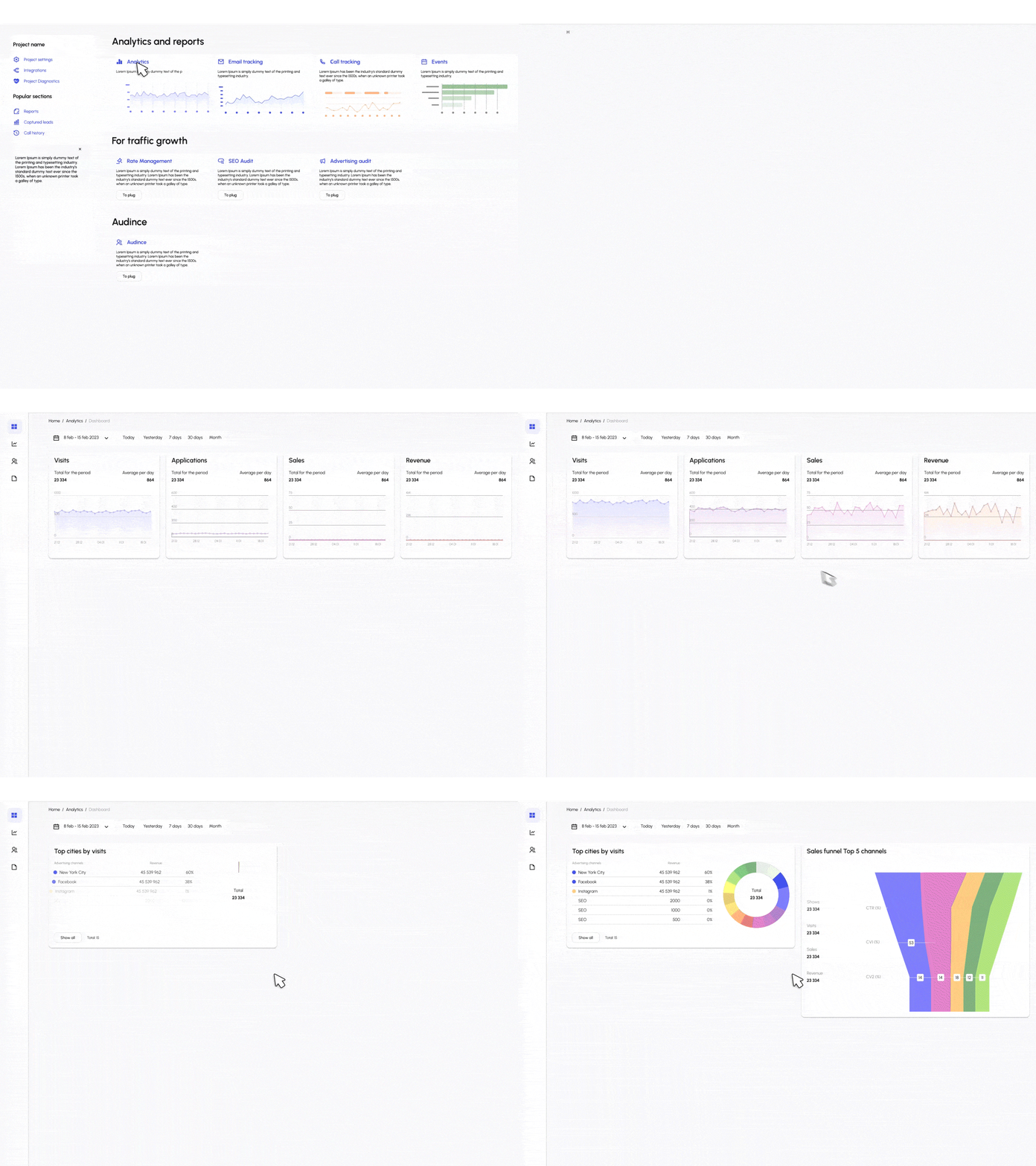
See your entire pipeline at a glance. Visualize your progress with a drag-and-drop Kanban board or switch to a detailed table view. Filter by priority, date applied, or company to stay focused.

  • Kanban & Table Views
  • Custom Stages & Tags
  • Drag-and-Drop Interface
Job Dashboard

Smart Save & Import

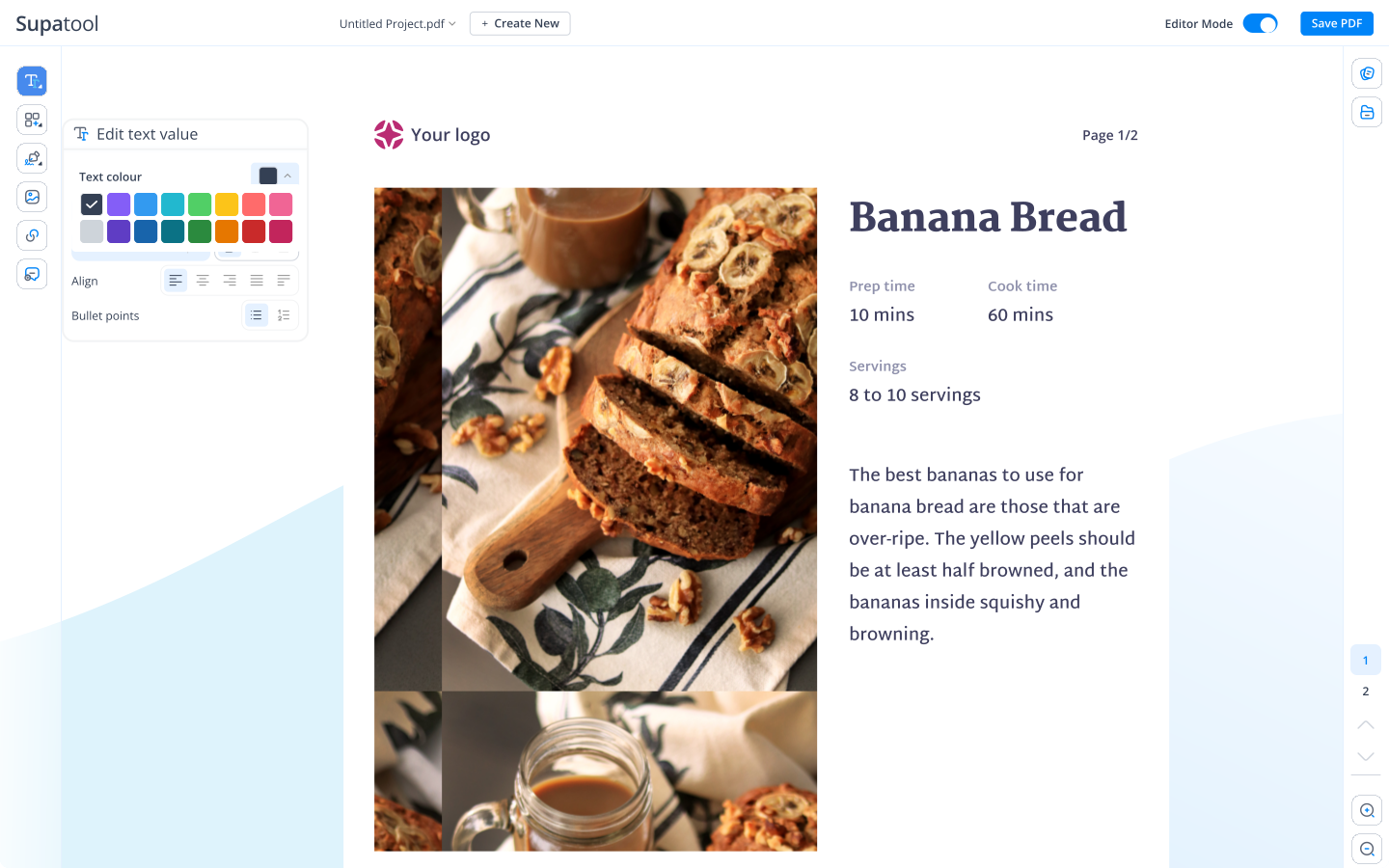
Save jobs in one click. Use our browser extension to grab details from LinkedIn, Indeed, and more. Or, bulk import your existing history from a CSV or spreadsheet to get started instantly.

  • Browser Extension
  • CSV Import/Export
  • Auto-fill Job Details
Import Jobs

Contacts & Reminders

Never forget a follow-up. Log recruiter emails and interview notes directly on the job card. Set automated reminders to send thank-you notes or check in on your application status.

  • Email Templates
  • Calendar Sync
  • Contact Management
📅
Follow up with Sarah
Regarding Netflix Interview
"Hi Sarah, checking in on the status of my application..."

Search Analytics

Optimize your strategy. Track how many jobs you've applied to, your interview rate, and which sources are yielding the best results. Use data to refine your approach.

  • Application Funnel
  • Activity Heatmap
  • Outcome Tracking
Search Analytics

Tracker Templates

Pipelines tailored to your career stage.

🚀

Basic Pipeline

Simple 4-stage flow: Saved, Applied, Interview, Offer.

🎤

Interview Focus

Detailed stages for Screen, Tech, Panel, and Final rounds.

🤝

Networking

Track coffee chats, referrals, and informational interviews.

🎓

New Grad / Internship

Focused on high-volume applications and campus recruiting.

💼

Executive Search

For managing complex, multi-stakeholder hiring processes.

🌍

Remote Work

Filter for remote-first companies and time zones.

Connect Your Tools

Sync your job search with your daily workflow.

Google Calendar Outlook Gmail LinkedIn (Ext) Indeed (Ext) Google Sheets Notion

Simple Pricing

Job searching is hard enough. Our tracker is free.

Starter

$ 15 /month/user

Billed monthly

Ideal for freelancers, startups, and smaller teams

We only bill you for employees. Invite guests/clients for free.

  • Pay-per-user pricing
  • Unlimited projects
  • 500 GB storage space
  • 24/7/365 customer support
  • Purchase optional upgrades
  • Month-to-month billing
Popular

Business

$ 299 /month

Billed monthly

Top-of-the-line, all-inclusive fixed pricing. Best fit for fast growing businesses

Your whole organization for one fixed price. Every feature & upgrade.

  • Fixed price no per-user charges
  • Unlimited users
  • Unlimited projects
  • 5 terabytes storage space
  • Priority 24/7/365 customer support
  • Extended 60-day free trial

Enterprise

Custom

Billed monthly

Suitable for Enterprise solutions

Custom pricing for your organization's needs.

  • All Business Features
  • Unlimited custom domains
  • Unlimited storage
  • 99.99% Uptime SLA
  • SCIM Integration
  • Dedicated Account Manager

FAQ

Frequently asked questions

What is a job application tracker and why should I use one?

A job application tracker is a tool designed to organize and manage your job search process. Instead of using messy spreadsheets or sticky notes, it provides a centralized dashboard to track every job you've applied to, its current status (e.g., Applied, Interviewing, Offer), and important details like deadlines and contacts. Using one helps you stay organized, ensures you never miss a follow-up, and gives you data-driven insights to improve your job search strategy.

How do I save jobs from any website and organize them?

With Supatool, you can add jobs manually by pasting the URL, company name, and job title. We also offer a browser extension that allows you to save jobs directly from LinkedIn, Indeed, Glassdoor, and other job boards with a single click. Once saved, you can drag and drop them between stages in your Kanban board or sort them in a list view.

Can I import existing applications from a spreadsheet (CSV)?

Yes! If you've been tracking your search in Excel or Google Sheets, you can easily import your data via CSV upload. Supatool will map your columns to our fields (Company, Role, Status, Date Applied, etc.), so you can migrate your entire history in seconds without manual data entry.

How do stages, tags, and priorities work?

You can customize your pipeline to match your workflow. Default stages usually include 'Saved', 'Applied', 'Phone Screen', 'Interview', 'Offer', and 'Rejected'. You can add tags like 'Remote', 'High Salary', or 'Tech' to filter jobs. Priority levels (Low, Medium, High) help you focus on the opportunities that matter most to you each day.

Can I track contacts, notes, and follow-up reminders?

Absolutely. For every job card, you can log contact details for recruiters or hiring managers, write notes about the company or interview questions, and attach specific versions of your resume or cover letter. Most importantly, you can set due dates for follow-ups, and Supatool will remind you via email or calendar notification so you never ghost a potential employer.

How do analytics help me improve response and interview rates?

Our analytics dashboard visualizes your funnel. You can see your conversion rates from 'Applied' to 'Interview' and 'Interview' to 'Offer'. If you see a high drop-off at the application stage, you might need to improve your resume. If you're getting interviews but no offers, you might need to practice your interviewing skills. Data helps you identify exactly where to focus your improvement efforts.

Is there a browser extension and how does it work?

Yes, the Supatool Job Tracker extension (available for Chrome, Edge, and Firefox) integrates directly with your browser. When you're on a job posting page, clicking the extension icon automatically scrapes the key details (Title, Company, URL, Description) and lets you add it to your pipeline without leaving the tab.

Can I sync with my calendar and email?

Yes, you can sync Supatool with Google Calendar or Outlook to see your interview schedules and follow-up reminders alongside your daily agenda. Email integration allows you to log correspondence with recruiters directly into the job card, keeping all communication history in one place.

How do I export my data or switch tools later?

Your data belongs to you. You can export your entire job tracker database to a CSV or Excel file at any time. This ensures you're never locked in and can take your history with you if you decide to switch tools or want to do your own custom analysis in a spreadsheet.

Is there a free plan and what are the limits?

Yes, Supatool offers a generous free plan for job seekers. It typically includes tracking for a specific number of active applications (e.g., 50 active jobs) and access to core features like the Kanban board and basic reminders. Paid plans unlock unlimited job tracking, advanced analytics, and premium templates.

Start Tracking Your Applications

Ready to land your next role?