eSign Document Builder
Streamline your paperwork with our secure eSign Document Builder. Create, send, and track legally binding contracts and agreements in minutes.
Signature
Date
Initials
Textbox
Sign Here
Streamline your paperwork with our secure eSign Document Builder. Create, send, and track legally binding contracts and agreements in minutes.
Get signatures faster in 3 steps.
Upload your PDF, Word doc, or choose a template.
Drag & drop signature fields for each recipient.
Email securely and track status in real-time.
Everything you need for secure, compliant digital transactions.
Prepare documents in seconds. Easily place fields for signatures, initials, dates, and custom text. Assign fields to specific signers to ensure they know exactly where to sign.
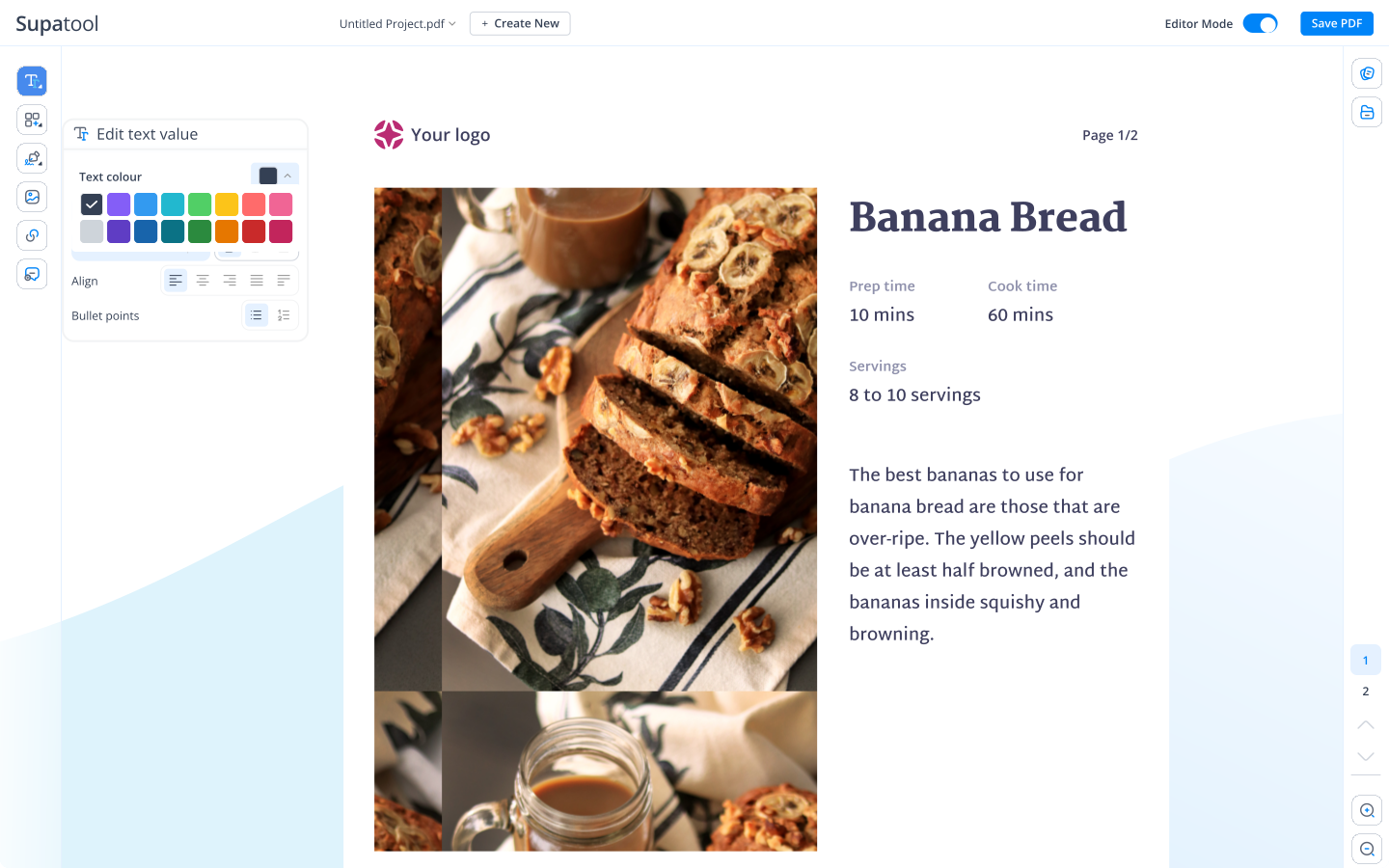
Never wonder about document status. Track when emails are opened, viewed, and signed. Get a legally admissible certificate of completion with a detailed audit trail for every doc.
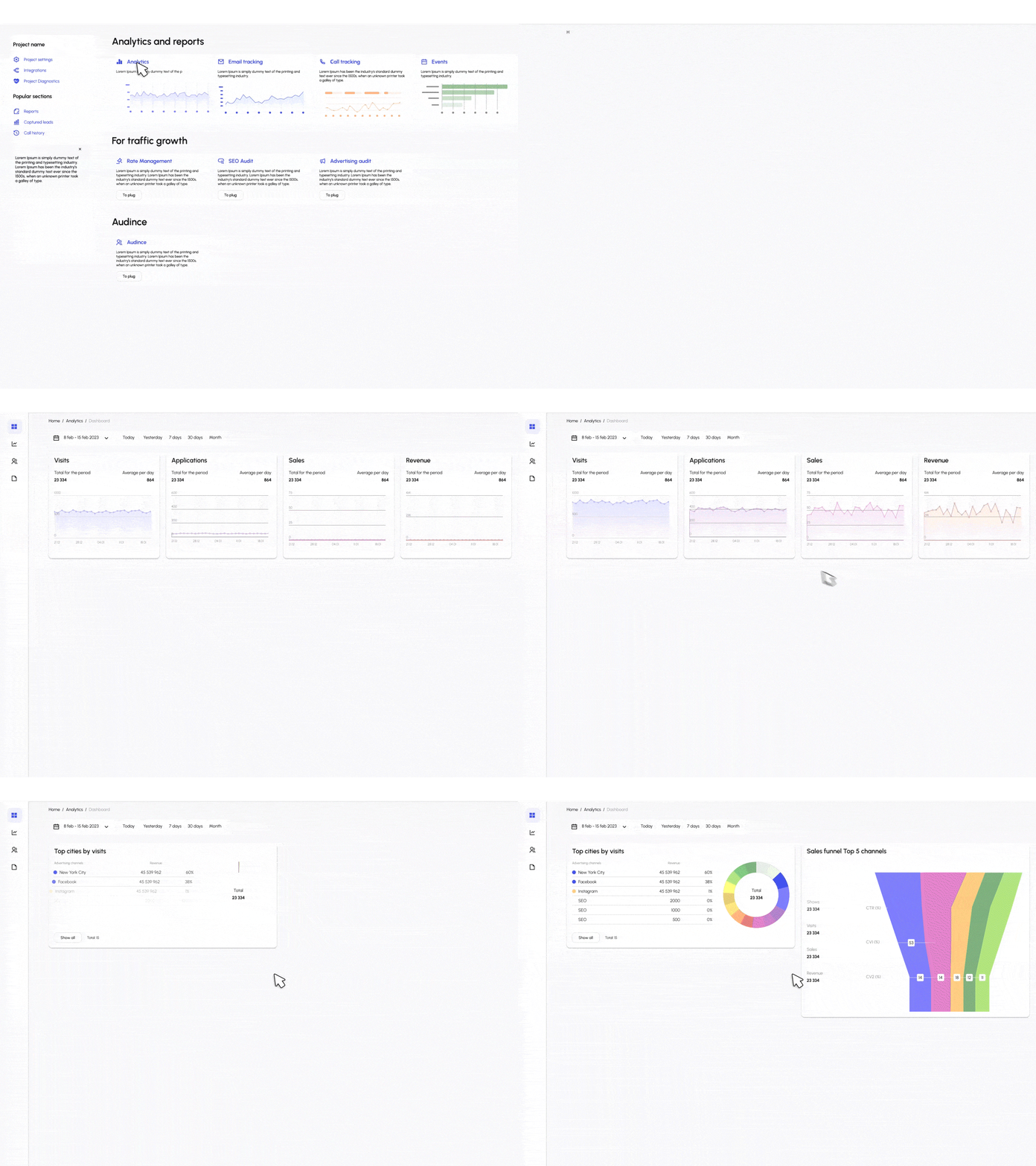
Save time on repetitive documents. Create reusable templates for NDAs, offer letters, and contracts. Use bulk send to dispatch a single document to hundreds of people at once.
Rest easy knowing your data is safe. We use industry-standard encryption and comply with ESIGN, UETA, and eIDAS regulations to ensure your documents are secure and valid globally.
Start with a pre-made legal agreement.
Non-Disclosure Agreement for employees or partners.
Standard service agreement for client work.
Employment offer template for new hires.
Residential rental contract for landlords.
Professional invoice template with payment terms.
Liability waiver for events or activities.
Connect eSign to the apps you use daily.
Sign documents for free.
$ 15 /month/user
Billed monthly
Ideal for freelancers, startups, and smaller teams
We only bill you for employees. Invite guests/clients for free.
$ 299 /month
Billed monthly
Top-of-the-line, all-inclusive fixed pricing. Best fit for fast growing businesses
Your whole organization for one fixed price. Every feature & upgrade.
Custom
Billed monthly
Suitable for Enterprise solutions
Custom pricing for your organization's needs.
Frequently asked questions
Yes, Supatool eSign complies with major electronic signature laws like the ESIGN Act (USA), UETA, and eIDAS (EU). Documents signed through our platform are legally binding and enforceable in court, complete with a secure audit trail.
Creating a template is easy. Upload your document (PDF or Word), drag and drop signature, date, and text fields where needed, and save it as a 'Template'. You can then reuse this layout for future contracts without setting it up from scratch every time.
Absolutely. You can add multiple recipients and specify the signing order (e.g., Signer A must sign before Signer B). Each person receives a secure link to sign their specific portion of the document.
We use bank-level SSL encryption for all data in transit and at rest. Every signed document includes a comprehensive audit trail that logs IP addresses, timestamps, and email verification for each signer to ensure authenticity.
Yes! Our platform is fully responsive. Signers can review and sign documents from any smartphone or tablet without needing to download a separate app. This speeds up turnaround times significantly.
Yes, Supatool integrates with popular tools like Salesforce, HubSpot, and Pipedrive. You can send contracts for signature directly from your CRM deal records and have the signed PDF automatically attached back to the record.
Ready to go paperless?